
How to Trade Bitcoin in ATAS Using Ready-Made Market-Maker Levels
ATAS is a professional platform for volume and footprint analysis. But on its own it will not tell you which levels to trade from: ordinary levels are drawn by eye, differently by everyone. The idea from the video is simple — take ready-made market-maker levels (GEX levels from CryptoMetrics Pro) and trade from them right in ATAS, confirming the entry with volume. Below we break the method down step by step.
This is not an ordinary level
The levels in question are not hand-drawn lines. They are large option positions: walls, the flip point and Max Pain. Real money stands behind them, and the market maker is obliged to defend them. That is why these levels produce a predictable reaction — a bounce or a reversal. Unlike subjective lines, these levels are objective: they are calculated from options, not drawn by feel.
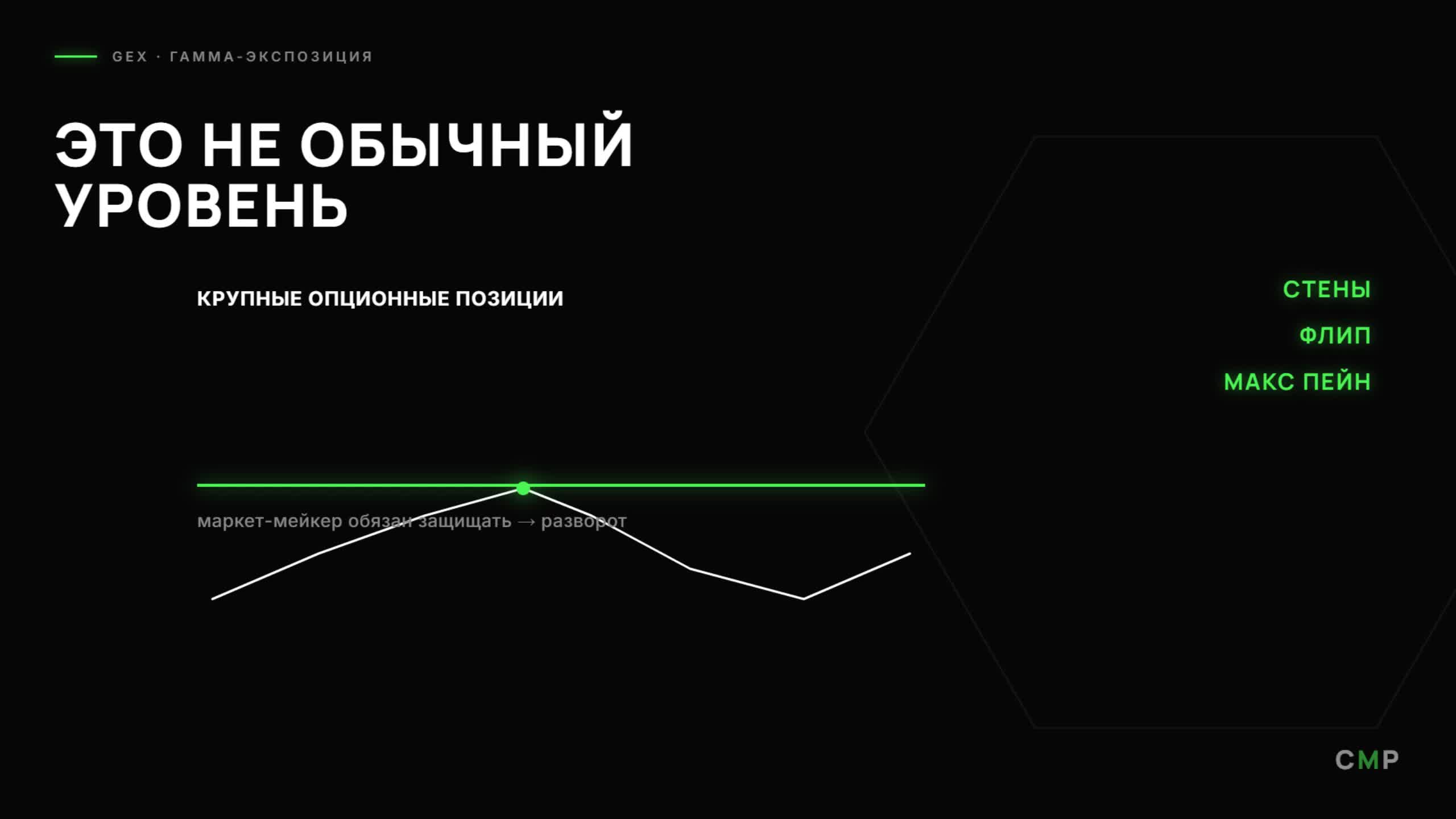
GEX levels are large option positions (walls, flip, Max Pain). The market maker is obliged to defend them → a predictable reaction.
Ready-made levels in ATAS
The levels from CryptoMetrics Pro are placed right on the ATAS chart and labeled. On the BTCUSDT screenshot you can see: P1/P2 — call walls (resistance above), N1/N2 — put walls (support below), A1/A2 — levels of maximum gamma exposure, and Flip $63,000 — the boundary of regimes. Next to each level is the open interest (OI) and the GEX volume in dollars — so you immediately see which wall is larger and more reliable.
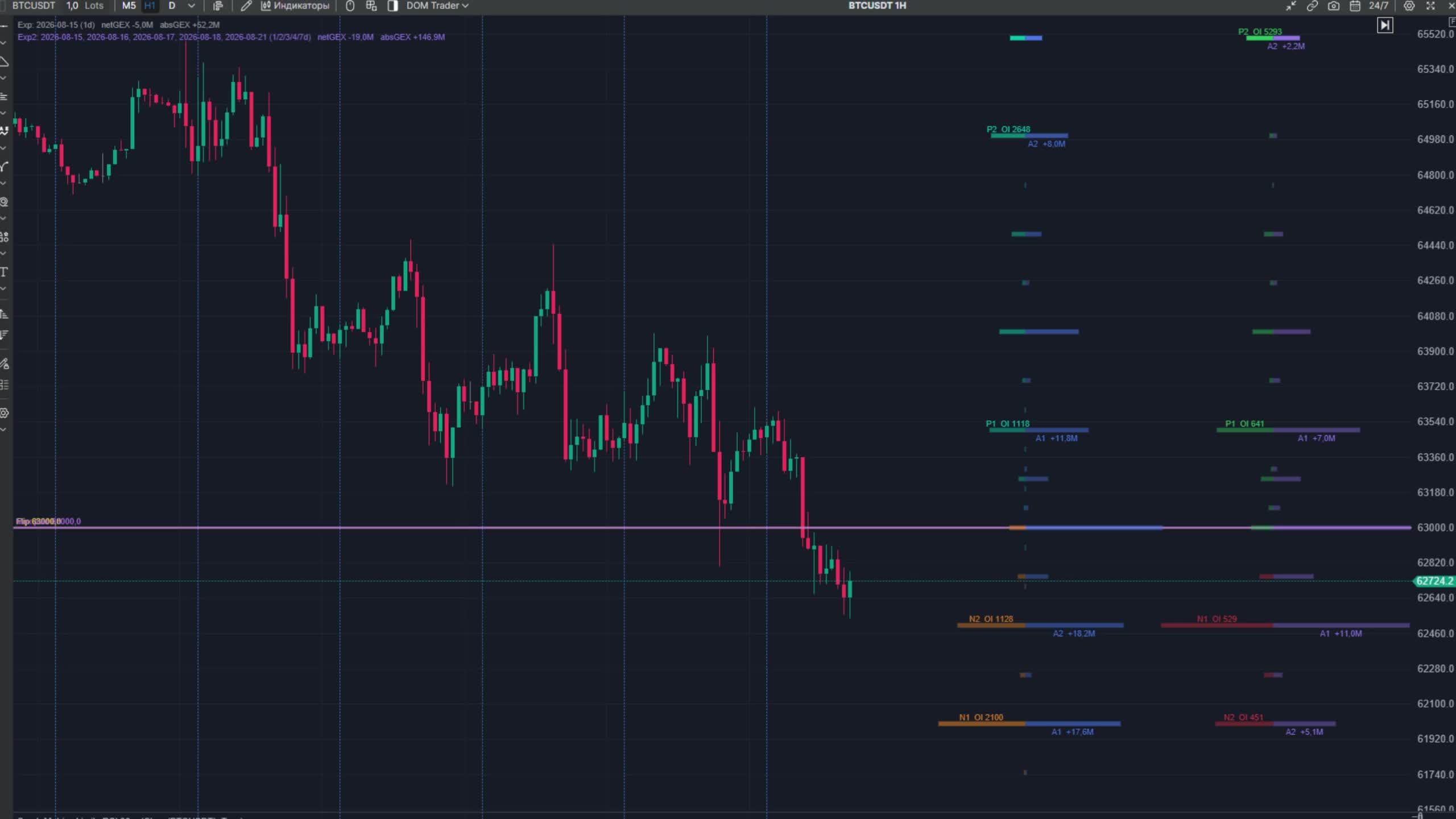
ATAS (BTCUSDT 1H) with ready-made GEX levels: P1/P2 (call walls), N1/N2 (put walls), A1/A2 (Max GEX), Flip $63,000, with OI and volume.
Two expirations at once
An important trick from the video is to keep two expirations on the chart at once. The zero-day (0DTE) gives levels for the current day — convenient for intraday trading. The weekly gives larger, structural levels — references for several days. Combining them, you see both the nearest intraday walls and the main weekly boundaries.
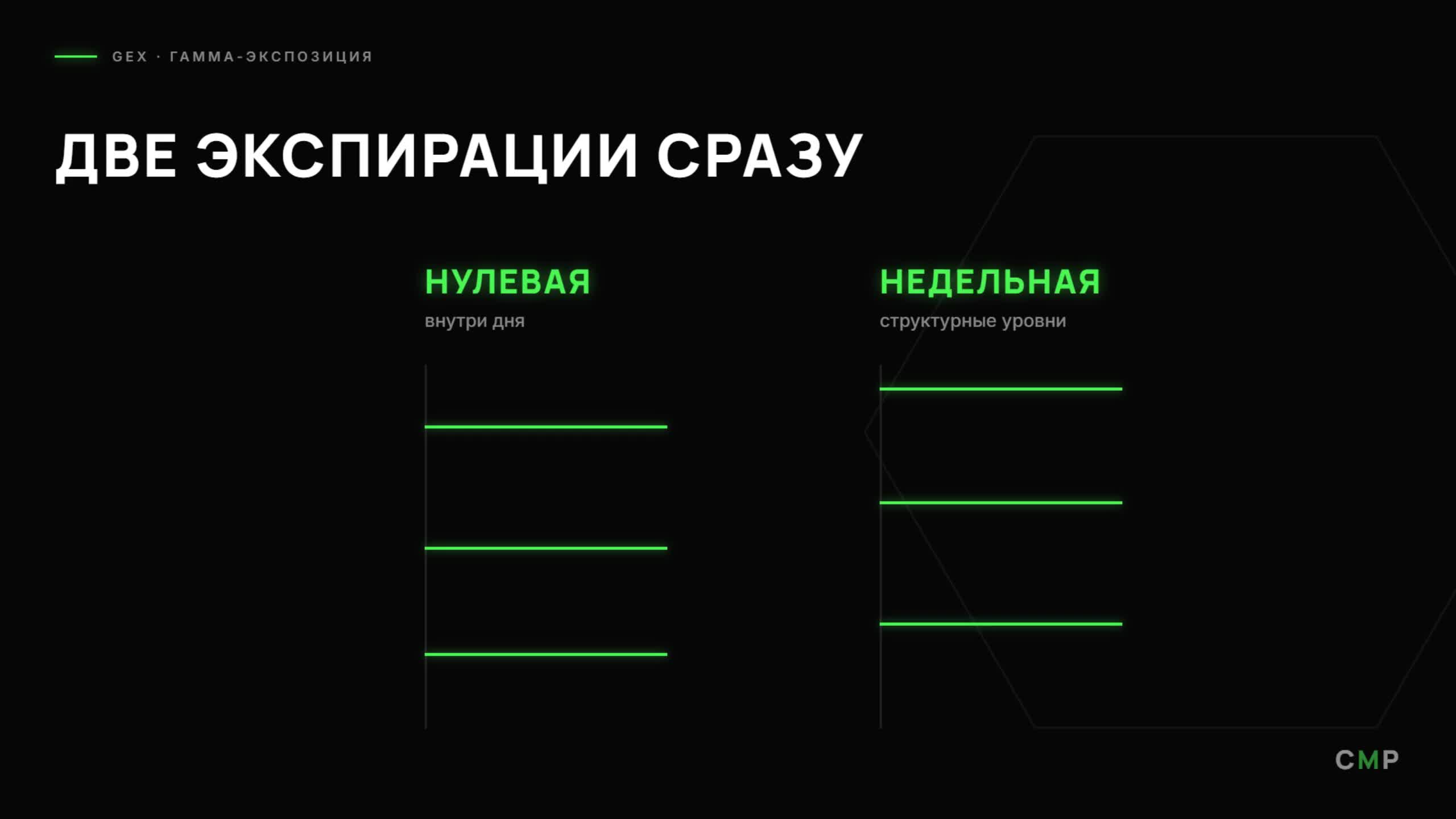
Two expirations at once: zero-day (intraday) and weekly (structural levels).
A trade in 5 steps (example: 14.08 · BTC)
The whole method fits into five steps — using a real trade from the video:
- 1. Alert at N1 $62,500. Set an alert on the weekly-expiry put wall — strong support.
- 2. Confirmation. Wait for buyer dominance on the footprint at this level — real volume, not just a touch.
- 3. Entry. Enter at the level, hide the stop behind the level (behind the wall).
- 4. Take profit at P1 $63,500. The target is the opposite wall above (the call wall).
- 5. Result: +2 days. Target reached — price reached the opposite wall within a couple of days.
What a beginner should watch
To repeat the method, a beginner only needs a few references:
- Walls P1/P2 and N1/N2. Resistance above and support below — look for entries and targets only at these.
- OI and GEX volume at the level. The larger it is, the more reliable the level and the safer the stop behind it.
- Expirations (0DTE and weekly). 0DTE for intraday entries, weekly for structural targets.
- Footprint confirmation. Enter only on real volume at the level — no volume, no trade.
ATAS level-trading checklist
- I transferred ready-made GEX levels from CryptoMetrics Pro into ATAS.
- I enabled two expirations: zero-day and weekly.
- I set an alert on the nearest large wall.
- I entered only on volume confirmation, with the stop behind the wall.
- I set the target at the opposite wall.
In short
ATAS shows volume and footprint, but you need to trade from the right levels. Take ready-made market-maker levels (GEX: walls, flip, Max Pain) from CryptoMetrics Pro and transfer them into ATAS — these are not drawn lines but positions the market maker is obliged to defend. Keep two expirations at once (0DTE and weekly), set an alert on a large wall, enter on volume confirmation with the stop behind the level, and set the target at the opposite wall. Ready-made Bitcoin levels are in the GEX Terminal on CryptoMetrics Pro.
See BTC and ETH levels live in the Options · GEX module.
Open moduleMore guides
This material is educational and is not individual investment advice. Trading cryptocurrencies and derivatives carries a high level of risk.